Draw a Flag! Updates
Release timeline, Roblox [UPD] tags, visit milestones, and what to re-read after each soft shutdown.
Known timeline
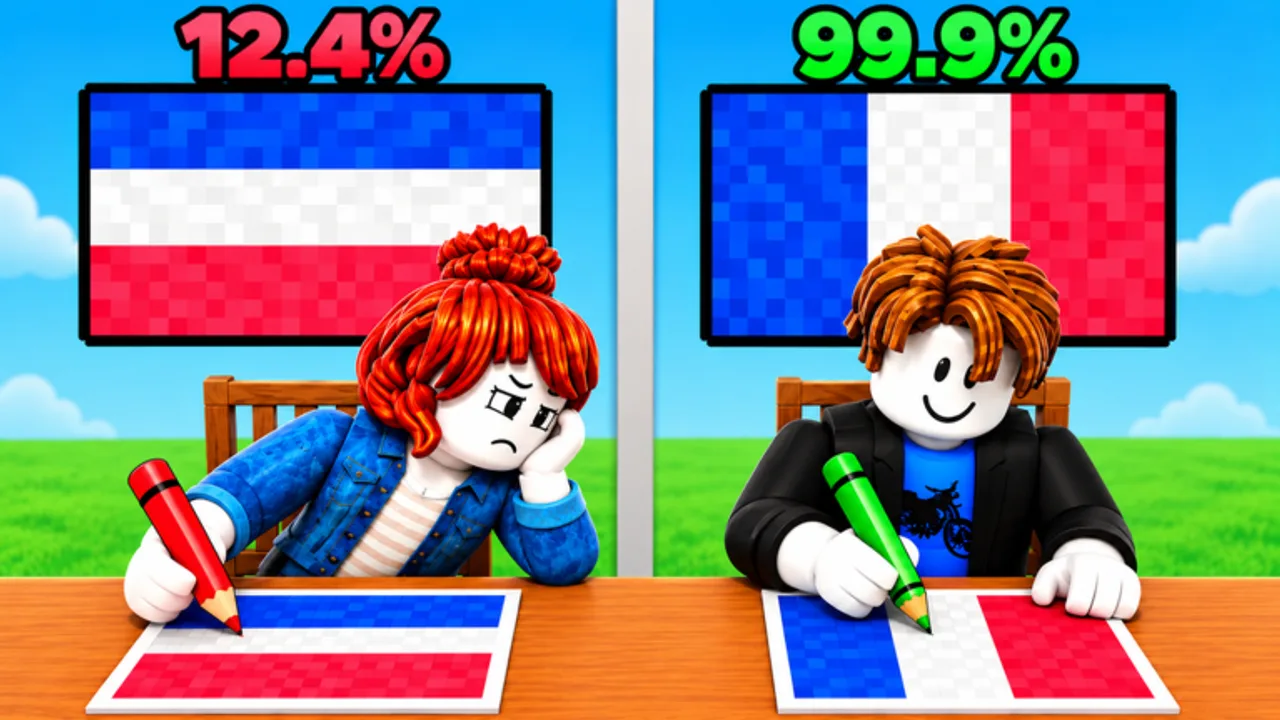
Draw a Flag! is a Party & Casual pixel-art flag duel by Meow Forge. Core loop: draw a country flag and beat your opponent with higher drawing accuracy. That loop has not changed into a different genre—patches so far still orbit the same duel fantasy.
| Date | Note |
|---|---|
| 2026-10-10 | Public release on Roblox (place 133787291114459, universe 10770104321) |
| Ongoing | Experience title often shows an [UPD] tag after soft shutdowns |
| 2026-11-16 | Last verified Roblox updated timestamp for this wiki pass (2026-11-16T03:33:42Z) |
| Mid-November 2026 | Roughly ~10.7M visits and ~756k favorites (rechecked November 17, 2026) |
Exact minute-by-minute patch changelogs are not always pasted as a full essay on the Roblox page. Meow Forge frequently signals changes through the title tag, description edits, and the Meow Forge group shout. Treat the table above as a verified skeleton, then confirm live details on the official experience page before every session. This wiki does not invent changelog bullets when the developers have not published them.
This hub is the place to understand how to read those signals, what categories of changes matter for duelists, which wiki pages to refresh after a patch, and how visit milestones fit the live-service story without pretending we have a private patch diary.
Visit and community milestones
By mid-November 2026 the place had climbed past roughly 10.7 million visits with about 756 thousand favorites, while concurrent players often sit in the mid-thousands during peak hours. Those numbers matter for two practical reasons:
- Milestone culture — Popular Party & Casual titles sometimes attach promo codes or cosmetics to visit goals. As of the November 17, 2026 recheck, the Codes Hub still lists no verified active codes, and the Meow Forge group shout was empty of promo strings. Watch description lines after the next
[UPD]anyway. - Queue feel — Higher traffic means more varied opponents and more flag prompts in a session. Pair patches with a short warm-up from the practice plan so you are not cold when lobbies feel sweaty.
Favorites and visits move daily; treat the mid-November snapshot as a checkpoint, not a live counter.
How to read Roblox [UPD] tags
When Roblox shows [UPD] (or similar update flair) on an experience title, it usually means the developers published a new version and may have soft-shutdown servers. Practical checklist:
- Rejoin after the shutdown finishes so you are not stuck on an old client build.
- Open the game description and scan for new bullet points, reward mentions, or “CODE:” lines—then cross-check the Codes Hub.
- Skim the Meow Forge group shout for human-readable notes that never made it into the description.
- Test one casual duel before ranked-feeling streaks; brushes, hitboxes for scoring, or lobby timers may have shifted.
- Update your personal notes on which flags feel harder or easier under the new scoring.
- Reset tilt if you lost a streak on the old build—follow common mistakes habits so you do not carry bad stripe order into the new session.
[UPD] alone does not tell you whether the patch was a tiny bugfix or a content drop. Always pair the tag with description text and a short playtest.
What patch notes players should watch
For an accuracy-focused flag duel, these buckets matter most:
New flags and reference packs
New silhouettes change the skill ceiling. A flag with thin stripes, awkward aspect ratios, or unfamiliar iconography will punish players who only practiced a small set. After a content patch, spend warm-up rounds on the newest flags before you care about win rate. Use the practice plan as a syllabus and the Tier List to place new designs on your personal difficulty map.
Tools, brushes, and input helpers
If Meow Forge adjusts brush size, undo rules, color limits, or placement tools, your muscle memory needs a reset. Re-read Getting Started and Controls after tool patches so you are not fighting yesterday’s UI.
Accuracy scoring and balancing
Scoring tweaks are the silent meta changers. A patch that weights edges differently, changes sampling resolution, or retunes how partial fills count will reshuffle who looks “good.” Update mental rankings, revisit Accuracy Tips and How to Win, and watch for new versions of classic traps covered in common mistakes.
Timers, lobbies, and matchmaking
Round length, intermission time, and party size affect whether you can plan a careful outline or must scribble under pressure. Note timer changes the first match after [UPD].
Performance and bug fixes
Crashes mid-draw, sticky input, or desynced references can decide a duel unfairly. If a patch advertises stability fixes, still verify on your device (especially mobile).
Codes and free rewards
Milestone visits and apology updates sometimes ship promo codes. As of November 17, 2026 the Codes Hub still reports no verified active codes—but every [UPD] description is worth a second look. If a string appears, use how to redeem. Never paste codes copied from unrelated Meow Forge titles or other flag games.
How this wiki tracks updates
We prioritize:
- Official Roblox experience metadata (title tags, description,
updatedtimestamp) - Meow Forge group communications
- Cross-page consistency via
content/facts.json(release status, lastUpdated, co-op style, platforms, visit notes)
We do not invent patch notes. If a change is unconfirmed, we say so. When you see a contradiction between a viral social post and the game page, trust the game page and group first.
After major patches, refresh these related hubs and drills:
- Guides / Getting Started — controls and early strategy
- Common Mistakes — stripe order, mirrors, lookalikes, late clears
- Practice Plan — 7-day and 15-minute warm-ups after
[UPD] - Tier List — which approaches stay strong
- Codes — promo status
- Players — community reaction and etiquette reminders
- Scripts — reminder that cheating remains a ban risk even after patches
- Official links — canonical Roblox URLs
Practical post-update routine (five minutes)
- Confirm you are on the latest join (no leftover private server on an old hash if you use one).
- Read description + group shout.
- Play one low-stakes duel focusing on any new flag.
- Note scoring feel versus last week.
- Check codes hub; redeem only verified strings.
- Adjust practice plan—new content first, comfort picks second—then run a short stripe or disc gym from the practice plan.
- Skim common mistakes if you tilted on an easy flag after the shutdown.
Community tip
When you discuss patches in public servers or the Meow Forge group, lead with facts (“description added three flags”) instead of rumors (“aimbot patch when?”). Clear notes help everyone, and they make it easier for this unofficial wiki to stay aligned with reality.
Draw a Flag! is still early in its live service life after the October 2026 launch, with a confirmed Roblox update stamp on 2026-11-16 and strong mid-November traffic. Expect more [UPD] cycles. Use this hub as your index, then jump into honest practice—not shortcuts that risk the account you just updated for.
Frequently Asked Questions
Quick answers for Draw a Flag players.
When did Draw a Flag! release?
Draw a Flag! by Meow Forge released on Roblox on 2026-10-10 (place 133787291114459, universe 10770104321).
What does [UPD] mean on the Roblox title?
It usually signals a newly published version and possible soft shutdown. Rejoin, read the description and Meow Forge group shout, then playtest scoring and tools.
When was the last verified Roblox update?
This wiki’s November 17, 2026 pass confirms the Roblox updated timestamp 2026-11-16T03:33:42Z. Always verify the live Roblox page for newer title tags and description edits.
How many visits does Draw a Flag! have?
As of mid-November 2026 the place was around ~10.7M visits with ~756k favorites. Those figures move daily—treat them as a checkpoint from the November 17, 2026 recheck.
Do updates add codes?
Sometimes Roblox experiences attach promo codes to milestone or apology patches. As of November 17, 2026 no verified Draw a Flag! codes are listed—check the Codes Hub after every [UPD].
What should I re-read after a balance patch?
Revisit Getting Started for tools, Common Mistakes and Accuracy Tips for scoring habits, the Practice Plan for warm-ups, the Tier List Hub for meta shifts, and this Updates Hub for change categories.