Draw a Flag Players & Community
Group joins, duel buddies, etiquette, and reporting—so lobbies stay fun.
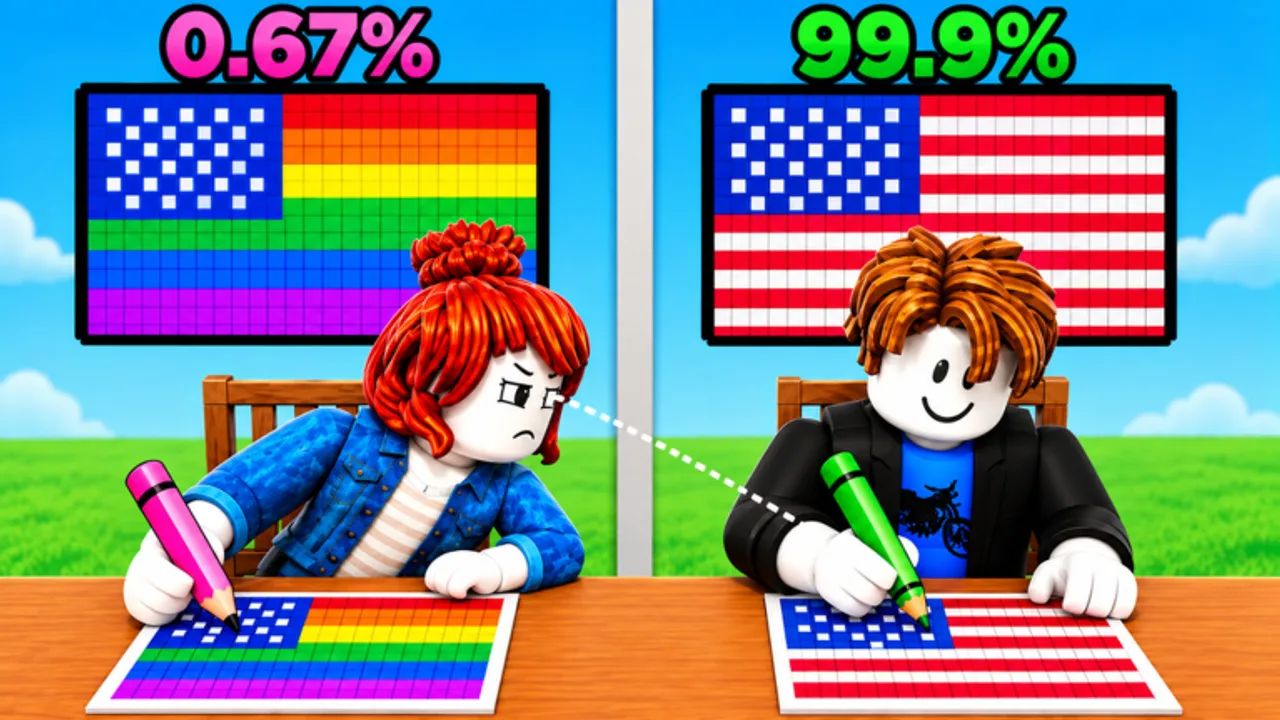
Welcome to the community side of Draw a Flag!
Draw a Flag! is a Party & Casual pixel-art flag duel by Meow Forge. Wins come from accuracy, but the mood of a lobby comes from the people in it. This Players Hub covers how to plug into the official community, find friends for rematches, keep etiquette high, and report problems the right way.
This wiki is unofficial. For canonical links, also see the Official Links page. Nothing here replaces Roblox Safety resources or Meow Forge’s own group rules.
Join the Meow Forge group
The developer community lives on Roblox as Meow Forge (on the order of ~246k members). Joining is free and is the best first step after you favorite the experience:
- Open the group page and tap Join.
- Enable notifications for group shouts if you want patch and event pings.
- Read any pinned group rules or shout history before posting.
- Use the wall for short, useful questions—not spam invite links.
Group shouts are also one of the first places promo codes and [UPD] notes appear. Pair membership with the Codes Hub and Updates Hub so you do not miss a drop.
How to find friends for duels
Public servers are fine for warm-ups; rematches with the same partner teach faster because you can compare mistakes on the same flag twice.
Practical ways to build a small duel circle:
- Roblox friends list — After a clean, fun match, send a friend request with a short note like “rematch flags?” Avoid demanding accepts in chat spam.
- Party / teleport features — When Roblox party tools are available on your platform, invite one or two friends into the same server instead of shouting join codes in unrelated games.
- Meow Forge group wall — Post a polite looking-for-group style message with your timezone and whether you want casual practice or sweaty accuracy sets.
- Shared practice goals — Agree on a flag list (new pack vs classics) so sessions have a purpose beyond random queues.
If someone only wants to win by tilting you, leave. There is always another lobby.
Duel etiquette that keeps lobbies healthy
- No spoilers mid-draw if the mode expects independent work—do not shout the exact reference tricks in a way that ruins the opponent’s fair attempt unless you both agreed to coach.
- Keep chat usable. Short gg, tips after the round, and jokes beat slur spam.
- Respect timers. Quitting the instant you fall behind every round wastes everyone’s queue time; finish or leave between matches when possible.
- Do not harass lower accuracy players. Everyone starts messy. Point them to Getting Started instead of mocking outlines.
- No cheating pressure. Pushing friends to install executors is how accounts die—see the Scripts Hub safety notes.
- Credit creators. If you share a learning clip, mention Meow Forge and link the official experience.
Good etiquette is meta: calm opponents rematch; toxic lobbies empty out.
Reporting and safety
Use Roblox’s built-in report tools for:
- Hate speech, harassment, or threats
- Inappropriate username / avatar / chatting
- Exploiting or openly advertising cheats in-experience
- Scams (fake code sites, “free Robux” links, account phishers)
Steps that usually work:
- Open the escape / report UI on your platform.
- Report the user and select the closest category with a short factual note.
- Leave the server if you feel unsafe; you do not owe anyone a debate.
- Block the user so follow-up messages stop.
- If a scam link was involved, change your password and enable 2FA.
Group moderators (when present) can handle wall spam; Roblox moderators handle Terms violations. This unofficial wiki cannot ban players for you.
How community knowledge feeds the rest of the wiki
Players who share clear patch observations help everyone:
- New flags or tools → refresh Updates and practice plans in Guides
- Shifts in what feels strong → discuss calmly and update mental notes beside the Tier List
- Suspected promo strings → verify via official channels before celebrating on the Codes page
When you post tips, prefer reproducible advice (“thicker outer stroke first on striped flags”) over vague flexing.
Onboarding path for brand-new community members
- Play the experience from the official Roblox page.
- Join Meow Forge.
- Read Getting Started.
- Skim Updates so you know the game is live-service after the 2026-10-10 launch.
- Bookmark Codes even while no verified codes exist yet.
- Find one patient duel partner and run focused rematches.
- Return here when you want etiquette refreshers or reporting steps.
Related pages
- Official Links — game + group URLs in one place
- Guides Hub — skill routes
- Updates Hub —
[UPD]literacy - Codes Hub — honest promo status
- Scripts Hub — why cheats are a bad community norm
Play fair, draw clean, and leave lobbies better than you found them.
Frequently Asked Questions
Quick answers for Draw a Flag players.
Where is the official Draw a Flag! community?
Start with the Meow Forge Roblox group (community 35384005) and the official experience page. Check those pages for any Discord or social links the developers add—do not trust random invite DMs.
How do I find people to duel with?
Friend clean opponents after good matches, use Roblox parties when available, or post a polite looking-for-group note on the Meow Forge group wall with your timezone and goals.
What counts as bad etiquette in flag duels?
Harassment, slur spam, pressuring others to cheat, constant rage-quits mid-round, and mocking new players. Offer tips or leave quietly instead.
How do I report a toxic or cheating player?
Use Roblox’s in-experience report tools with a factual category and note, then block and leave if needed. Group wall issues can also be flagged to group moderators when available.
Is this Players Hub official?
No. This is an unofficial fan wiki. Meow Forge and Roblox remain the authorities for rules, bans, and official announcements.